Welcome Aboard!
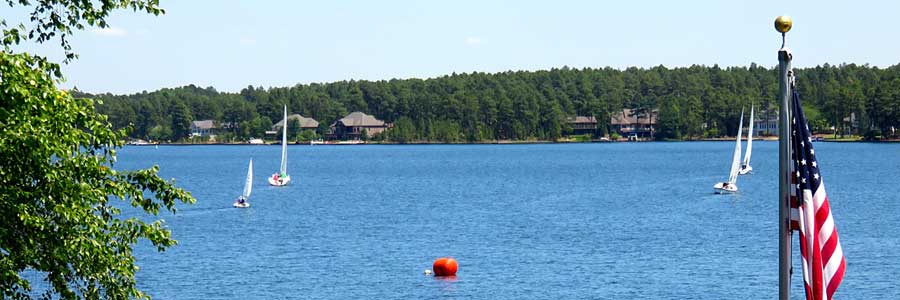
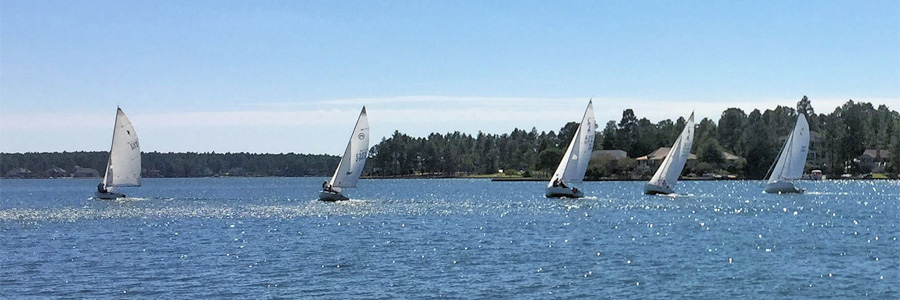
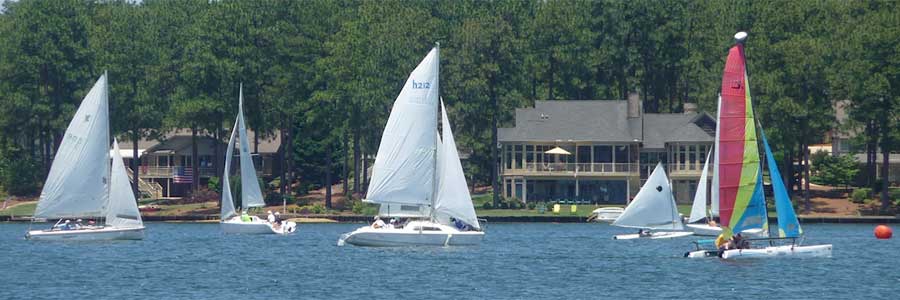
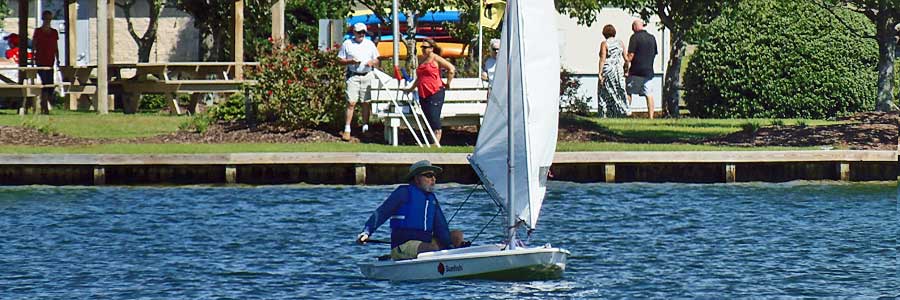
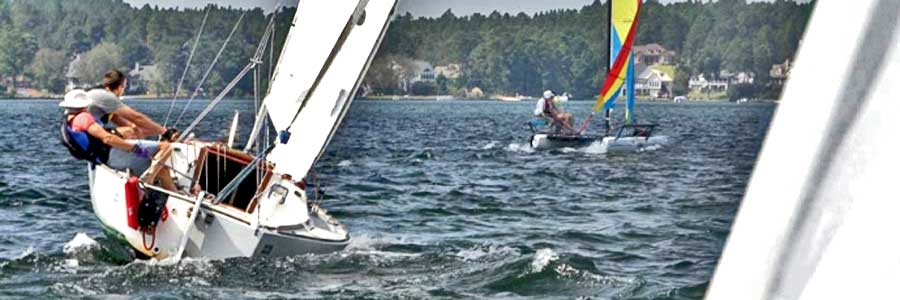
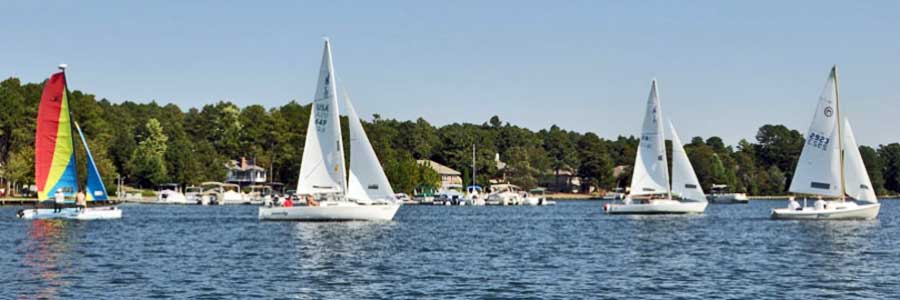
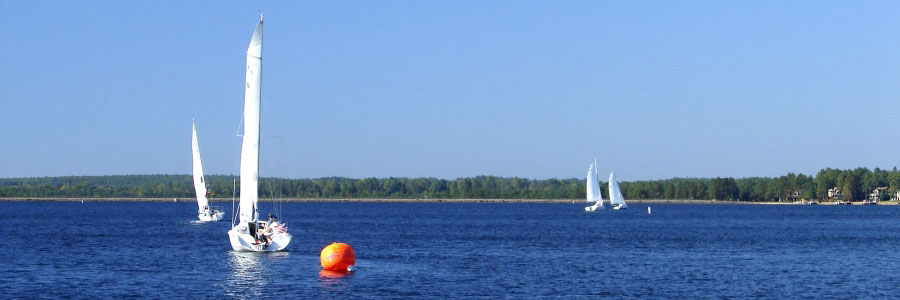
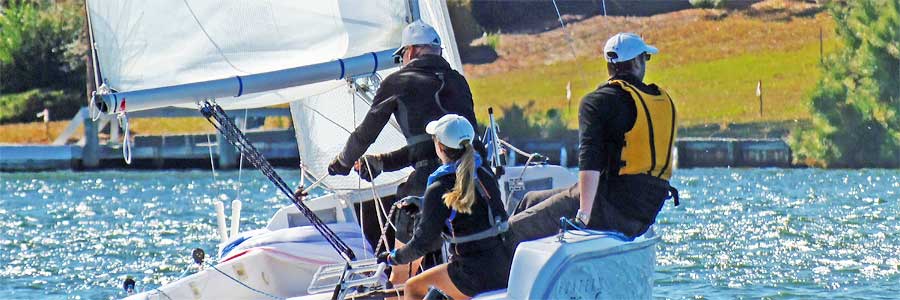
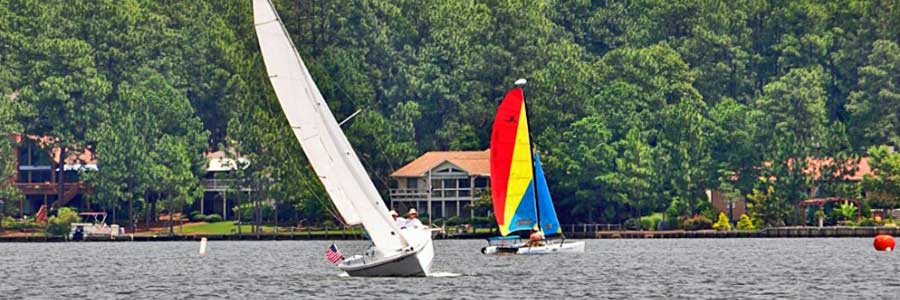
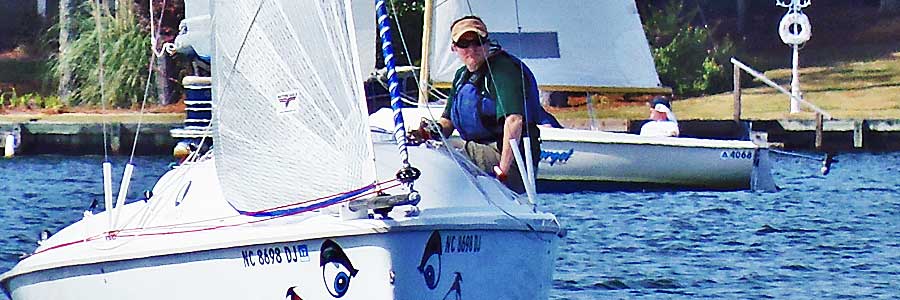
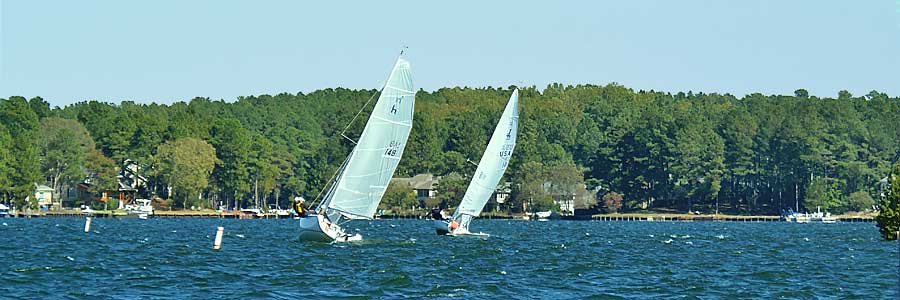
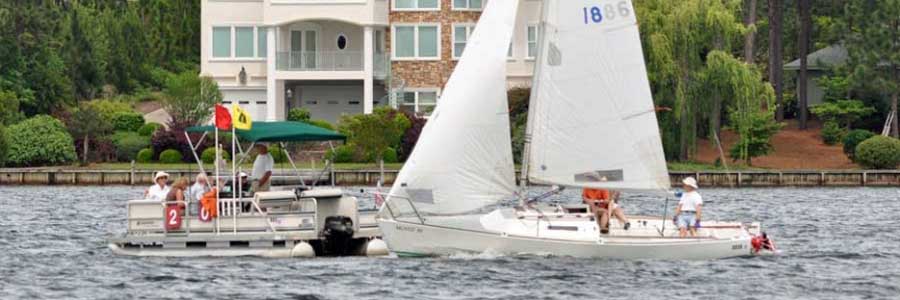
The Seven Lakes Sailing Club is a group of Seven Lakes residents who have an interest in sailing. We organize a program of events that includes, learn-to-sail courses, informal sailing events for non-sailors, social activities, and sailboat races around defined courses on beautiful Lake Auman. The racing events are run with all sizes of sailing boats using the Portsmouth handicap system. Our social events include a variety of on-the-water and shoreside activities. The club also includes many pontoon boat and powerboat members who have interests in sailing and in our social activities. You don’t need to have a boat to join and enjoy the sailing and social events of the club. Membership fee for a family is $25 per year. For more information contact the Club Commodore, Bob Fewkes at commodore.slsc@gmail.com.
Commodore's Cup - Race 1
| Race Date: May 2, 2009 | |||||||||
| Place | Skipper | Elapsed Time Minutes (dec) |
Corrected Time Minutes (dec) |
Boat | Handicap | Finish Order |
|||
|
|||||||||
| 1 | Bruce Keyser | 73.52 | 71.24 | Mariner 19 | 103.2 | 4 | |||
| 2 | Ray Taylor | 66.33 | 73.21 | Hunter 216 | 90.6 | 1 | |||
| 3 | Ed Steelman | 70.57 | 77.89 | Hunter 216 | 90.6 | 3 | |||
| 4 | Paul Kirst | 73.75 | 81.40 | Hunter 216 | 90.6 | 5 | |||
| 5 | Dan Blue | 68.82 | 83.33 | J-22 | 82.6 | 2 | |||
| 6 | Ron Shepard | 71.8 | 91.20 | Hobie 16 | 78.7 | 6 | |||
| Wind Speed | Committee Boat | Safety Boat | |||||||
| 4-12 mph |
John Wynton, |
Ron Workman, Dick Williams |
|||||||